How to Use FreeFireSpace
This page shows how to use FreeFireSpace: copy the invisible space, paste it into your Free Fire name, then check the result before saving. The tool works in any phone or desktop browser and needs no app. Something failed? Report it on the contact page.
Updated 13 November 2026 · FreeFireSpace Editorial
Copy the character
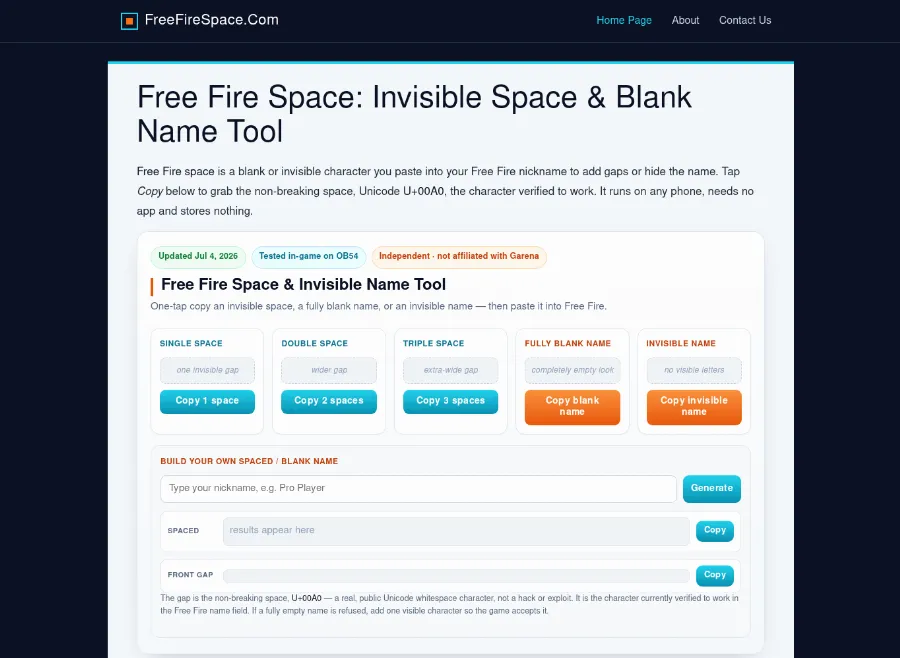
Start on the home page and tap Copy next to the option you need: a single space, a double or triple space, a fully blank name or an invisible name. Each button places the Unicode character U+00A0 (no-break space) on the clipboard. To build a name with a gap inside it, type the words into the builder and tap Generate.
What each page does
The site has three kinds of pages. The table shows what to pick on each and what comes out.
| Page | Option | Result |
|---|---|---|
| Home | Single, double or triple space; blank name; invisible name; own spaced name | U+00A0 copied to the clipboard, or the typed name with spaces in it |
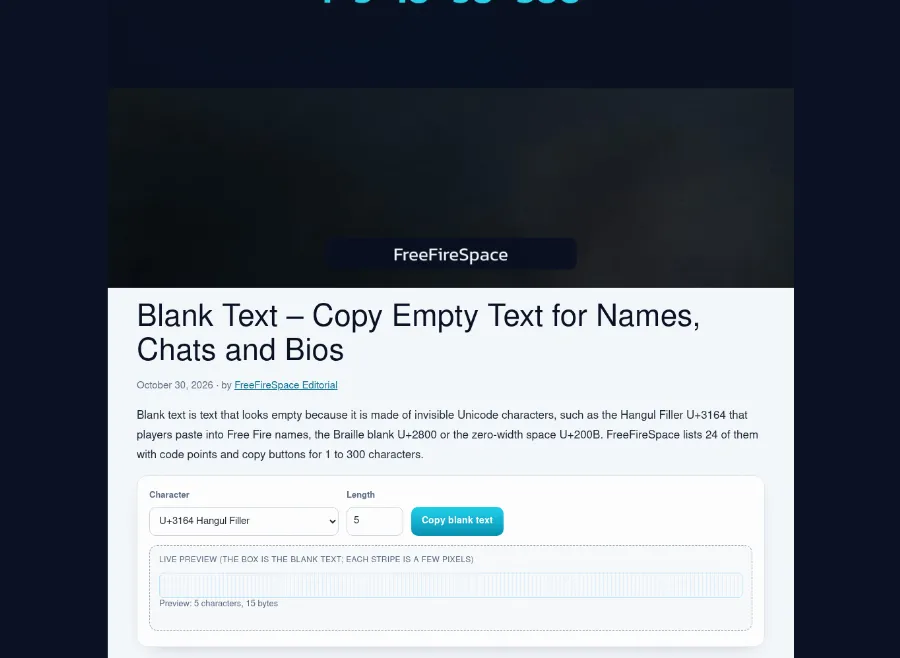
| Blank text | A character from the list of 24 and a length from 1 to 300 | Empty-looking text for names, chats and bios |
| Name lists | A style such as boys, girls or symbols | A ready name with its character count on the button |
Paste it into the game
Paste in the rename box and check it before confirming. Some characters show as boxes on older devices or are removed by an app, so look at the name in the field after pasting. If a fully empty name is refused, add one visible character. A name change needs a name change card or diamonds, which the game provides. Step-by-step instructions are in the guide to putting a space in your Free Fire name.